What most people do is they watch movies in 360p or 480p just to save cellular data because they don’t know other ways to reduce data consumption on streaming movies. Reducing video quality does save internet, but you can also do other things and be able to watch a video in decent resolution, such as 720p or 1080p, while saving up to 30% data usage, so that you can enjoy a movie without compromising on video quality.
While streaming a movie on a limited internet, we always check how much data is left but from today, this stress will be significantly reduced and you will enjoy your movie worry free as here we will discuss some effective tricks that you can use to save your internet and reduce data usage on the Hicine without being forced to watch video in 480p just to save internet.
What is Hicine
Hicine is a widely popular Latin American-made streaming platform, offering a treasure trove of movies, series, sports, and live TV—all in stunning quality and without the hassle of subscription fees. Enjoy premium content without breaking the bank! The app makes accessibility to regional Spanish content and forgin language films from countries around the world quite convinenet in the well organized feed with separate sections for each genre and type of content such as movies, anime, drama, documentary, etc so that you can eaisly choose your preferred content type and find an interesting title to watch from teh thousands of content that it has to offer to all for free.
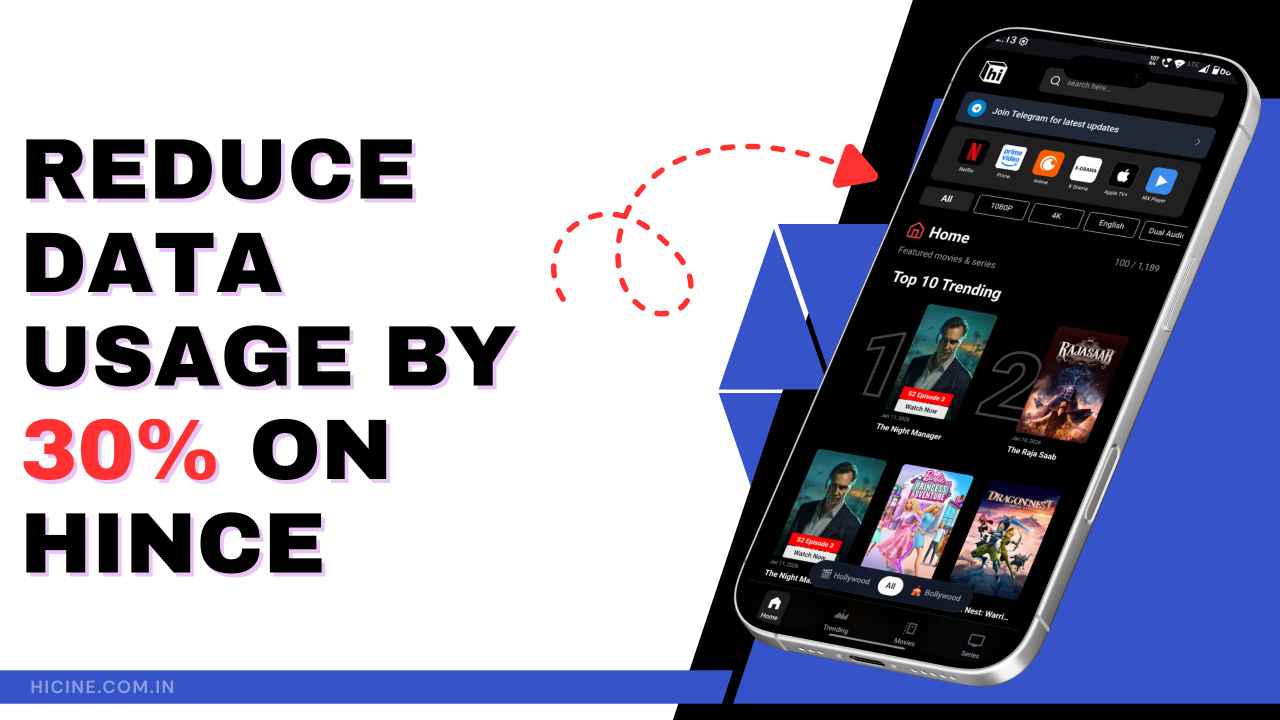
Best Ways to Reduce Data Usage
In recent years, the internet has become a lot cheaper with broadband connections, and it is accessible to all of us, but many people who use mobile data still have to manage on limited data plans. Instead of disabling all cellular streaming, you can make just a few minor adjustments in your internet surfing style, and you end out saving a lot of data.
1. Turn off Autoplay
Autoplay consumes more data as high-quality videos are downloaded and played automatically without your consent. If the auto-play is on, it will load the next episode of the TV series just a few minutes before the current video ends, consuming data without letting you know. On Hicine, new episodes are played automatically after you have finished watching one, which is enough for a huge data consumption. This is basically wasting your data by spending it on the content that you may not even be interested in. However, the app provides a toggle to disable autoplay, so make sure to turn it off to stop your data from being consumed on unnecessary episodes.
2. Use the “Data Saver” Mode
A Data saver mode comes default in almost all Android smartphones, so if you’re using Hicine on your phone, you can use data saver mode as it disables apps running in the background that could potentially consume data. These apps can use mobile data only when you use them actively, but even when you close them, a few apps have an automatic refresh or live update feature that requires a constant flow of internet, even if they’re running in the background. So, enabling data saver mode will manage the background apps and will save more data by stopping constant sync and updates. Simply, swipe down on your Android phone and tap or hold on the Mobile Data option, then scroll down a bit and enable the data saver mode.
3. Download Videos
The simplest way to save mobile data while enjoying your favourite movies on Hicine is to download them on your device and watch offline. Search movies by their names with genres and categories. After finding the movies, hit the download button on the Hicine app, and the download will start, so wait. Once it is done, you will be able to access it anytime while being offline. Downloading is a better option than streaming if you want to save data. You can also find free public wifi and download multiple movies and episodes at once, so that you will have a stock of videos that you would like to watch later.
4. Avoid Watching in 4K
Hicine allows you to stream videos in high definition up to 4K resolutions, which requires more data than standard video quality. So, if you stream videos in 4K, obviously, the data consumption will increase rapidly. To reduce data consumption while playing your favourite videos, you can manually adjust video quality in this app, but we will not suggest lowering it to 360p or 480p as it will ruin the fun of watching a movie, you can lower the quality to 1080p or 720p, which will have 30%-50% data in comparison to 4K streaming.
5. Turn Off Background Apps
Well, we suggest prior to enable data saver mode to reducing data wastage on background running apps. But many people don’t like using data saver mode as it restricts the data speed and shows a lot of warnings of high data consumption constantly, which is annoying sometimes, so if you don’t want to use data saver mode, you can manage the background apps manually on your own. Although you do not use background apps actively, unnecessary apps that run in the background also consume a lot of mobile data as they use data to refresh content, sync updates, or send notifications. So, remember to turn off all the unnecessary apps running in the background while streaming high-quality content on Hicine. This saves more data and gives you a smooth streaming experience.
6. Monitor Data Usage
Regular monitoring of data usage is quite crucial, especially when you’re operating on a limited data plan. Check your mobile data usage statistics regularly on your device to see which apps are consuming more data and keep track of them. This lets you stay within data limits and avoid unnecessary data waste.
FAQs
How much data does Hicine use per hour?
Data consumption heavily depends on the video quality you’re watching, such as HD 720p consumes on average 1GB/hour, but when streaming videos in 1080p, you could spend up to 3GB in just an hour.
Does lowering video quality actually save data usage?
Yes, 4K resolution videos consume more data than FHD or HD quality videos. So, lowering the video quality actually saves more data.
Does screen size affect data usage on this app?
A large screen streams videos in high quality. So, yes larger screen definitely consumes more data.
How can I monitor data usage precisely on Hicine?
There are many data monitor apps available on the internet, like ‘My Data Manager’, to check your cellular data usage regularly and keep track of it.
Reducing Data usage is essential for users who have limited data balance or who depend on mobile data to stay connected with their favourite content. By following the above-mentioned tips and tricks, you can have control over your daily data usage.